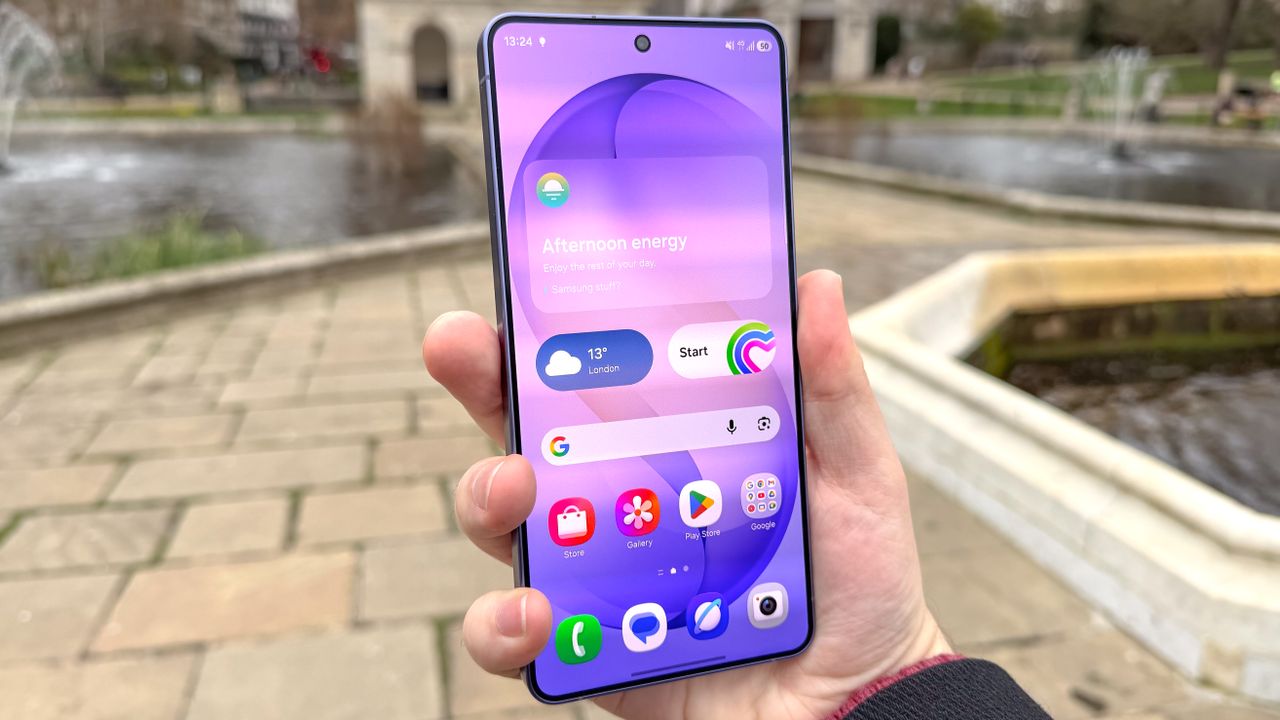
Your Galaxy S26 Ultra's screen isn't set to the highest resolution right out of the box — here's how to fix it
· tom pritchard
AI Briefing
- To view the highest resolution on your Galaxy S26 Ultra, go to Settings > Display > Screen size & layout > Display ratio, then toggle to 'High' and select '16:10' or '18:9'.
- Alternatively, you can also enable 'High' resolution by going to Settings > Display > Display care > High refresh rate and toggle it on.
- If you still have issues, restart your phone and try again, as some users have reported that the highest resolution setting only becomes available after a reboot.
Advertisement