This iPhone and Android setting might be quietly leaking your home address
· kaycee hill
AI Briefing
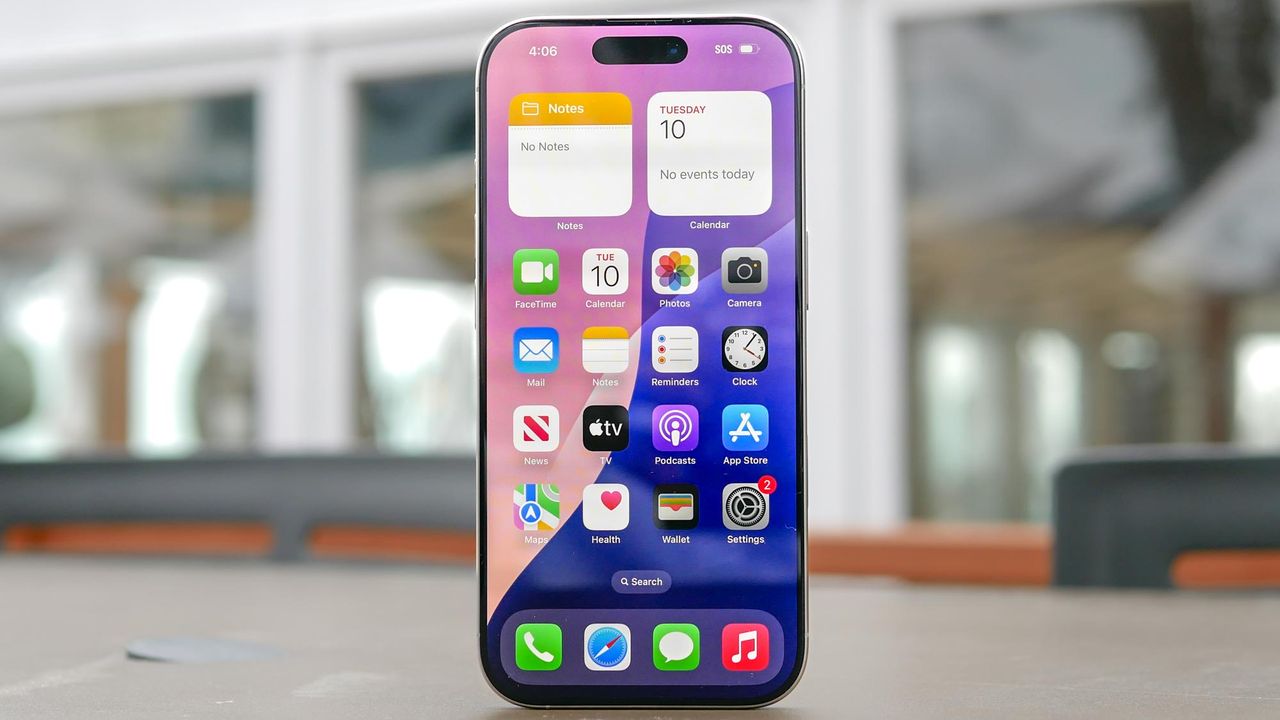
- Check your iPhone Settings for 'Location Services' to see if Location History is enabled.
- For Android, go to Google Photos and tap on the three vertical dots on a photo, then select 'Settings' and 'Location'.
- Disable Location History for each photo to prevent accidental location sharing.
Advertisement